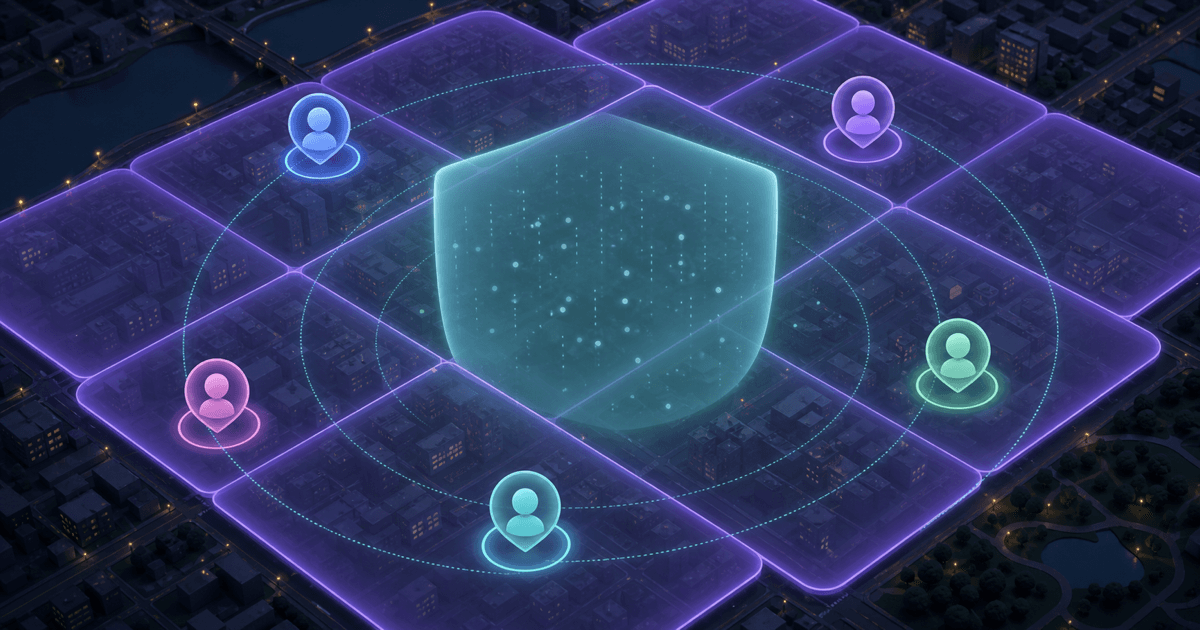
A nearby chat app cannot work with no location context at all. The privacy question is how much precision it keeps and how much it gives back to other people. Exact latitude and longitude can be useful for navigation; they are usually unnecessary for deciding whether someone is in your broader area and worth talking with.
Circles uses approximate location and rough distance labels for that reason. This guide explains the model in plain language, including its limits.
In This Explainer
Exact vs Approximate Location
| Exact location | Approximate location |
|---|---|
| A specific coordinate or moving pin | A broader cell or area |
| Useful for turn-by-turn navigation | Useful for “who is generally nearby?” |
| Can reveal a building or repeated route | Blends multiple streets and buildings together |
| May update continuously | Can refresh only when local discovery needs it |
| Often displayed as a map marker | Can be displayed as a rough distance label |
How a Coarse Area Works
Imagine laying a grid over a city. Your phone may know a more precise position, but the nearby-chat service converts it to a larger cell before using it for discovery. Several homes, shops, paths, and streets fall inside the same cell. The service can compare broad areas without presenting another user with the coordinate your phone originally measured.
This is sometimes called location fuzzing, snapping, rounding, or coarsening. The exact technique can differ, but the product goal is the same: preserve enough local relevance while discarding house-level certainty.
Approximate does not mean random
The app is not pretending you are in a completely different city. It is reducing resolution: useful enough to say “nearby,” deliberately too broad to say “this doorway.”
Why Distance Buckets Beat Precise Numbers
A label such as “very close” or “a few kilometres away” answers the social question: is this person plausibly in my area? A precise number that changes as either person moves answers more than the conversation needs. Repeated precise measurements can make it easier to narrow down where somebody spends time.
Distance buckets also set better expectations. A rough label is a discovery hint, not a promise that the other person is still standing at the same point. People move, phone accuracy changes, and location can become stale between refreshes.
What Circles Shows
In Circles, people nearby appear with a nickname, a stylized avatar, and a rough distance category. There is no shared live map. Group rooms are also attached to an approximate area rather than a member's private address. Users can turn off nearby visibility when they do not want to appear in discovery.
Location is only one layer of the privacy model. One-shot intro requests stop a stranger from gaining an open messaging channel before you accept, while block and report controls provide an exit after a conversation begins. Read the complete Circles app guide for the full flow.
What Approximate Location Does Not Solve
- Your own disclosures: naming your building, employer, class schedule, or daily route can undo the protection.
- Very sparse areas: a broad cell may still contain few people, so “approximate” can be more revealing outside a dense area.
- Repeated context clues: room names, photos, weather details, and timing can combine into a clearer picture.
- Offline safety: a private discovery system cannot guarantee that a person you meet will behave safely in real life.
- Device permissions: your operating system still controls whether the browser may access location at all.
Approximation reduces a specific class of risk; it does not create total anonymity. A responsible app should say that clearly instead of presenting one shield icon as a complete safety guarantee.
Privacy Habits That Still Matter
- Use a nickname unrelated to your public social handles.
- Do not name the exact building, street, workplace, or school closest to you.
- Turn off nearby visibility when you are at home, at work, or simply done meeting new people.
- Avoid posting a predictable routine such as “here every weekday at 6.”
- Move to an offline meetup only after trust, and choose a busy public venue.
- Block early when someone pushes for precise details after you decline to share them.
Frequently Asked Questions
Can a nearby chat app work if location permission is off?
It cannot accurately discover people in your current area without some location input. A privacy-first design should request permission in context, explain why, minimize the precision it keeps, and let you stop visibility later.
Does approximate location make me completely anonymous?
No. It reduces location precision, but your messages and other clues can still identify you. Treat it as one privacy layer alongside a nickname, limited contact permissions, careful sharing, and blocking.
Why not show an exact distance but hide the map?
A changing exact distance can still reveal movement and help narrow down a position. A bucket communicates the useful social fact—rough proximity—without handing over the same level of detail.
Can I pause discovery in Circles?
Yes. Circles includes a visibility control so you can stop appearing to nearby users without continuing to broadcast your presence.